GetPaidX Blog
Lean and LambdaPi AI Workspaces in the Browser
6 min read • Updated 2026-03-14
A static showcase of browser-based AI workspaces for Lean, LambdaPi, Arrowgram, and formal-math publishing flows, with live GetPaidX-hosted examples.
leanlambdapiai workspaceformal methodsarrowgram
Vibe math
If your work lives somewhere between proof assistants, diagrammatic tooling, and publishable research artifacts, screenshots are not enough. People need to see a workspace that actually opens, runs, and feels live in the browser.
That is the thread connecting the examples below. GetPaidX can host browser-based AI workspaces that make Lean, LambdaPi, Arrowgram, and related formal-math workflows easier to share, inspect, and reuse without turning the whole experience into a bespoke local setup exercise.
Lean can be the starting point, not the setup tax
The first example is a Lean workspace that opens directly in the browser with an AI-assisted coding loop already in reach. Instead of asking a reader to clone a repo, install dependencies, and reconstruct the exact state of a theorem-development session, the post can point to a live environment.
That matters for SEO and for trust. A search visitor looking for a Lean AI workspace wants immediate proof that the environment is real, not just a promise in copy.
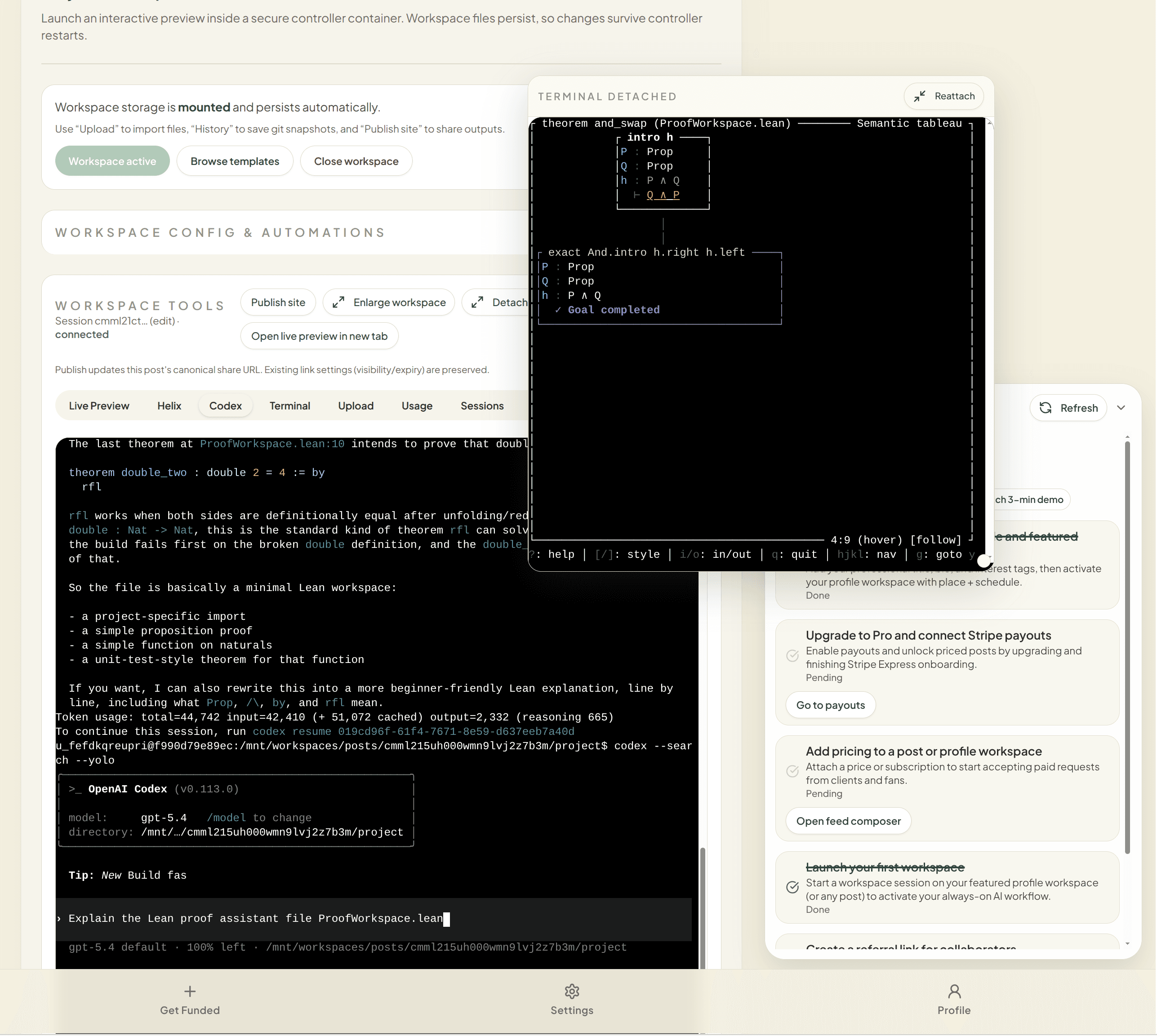
Terminal-native workflows still need a public surface
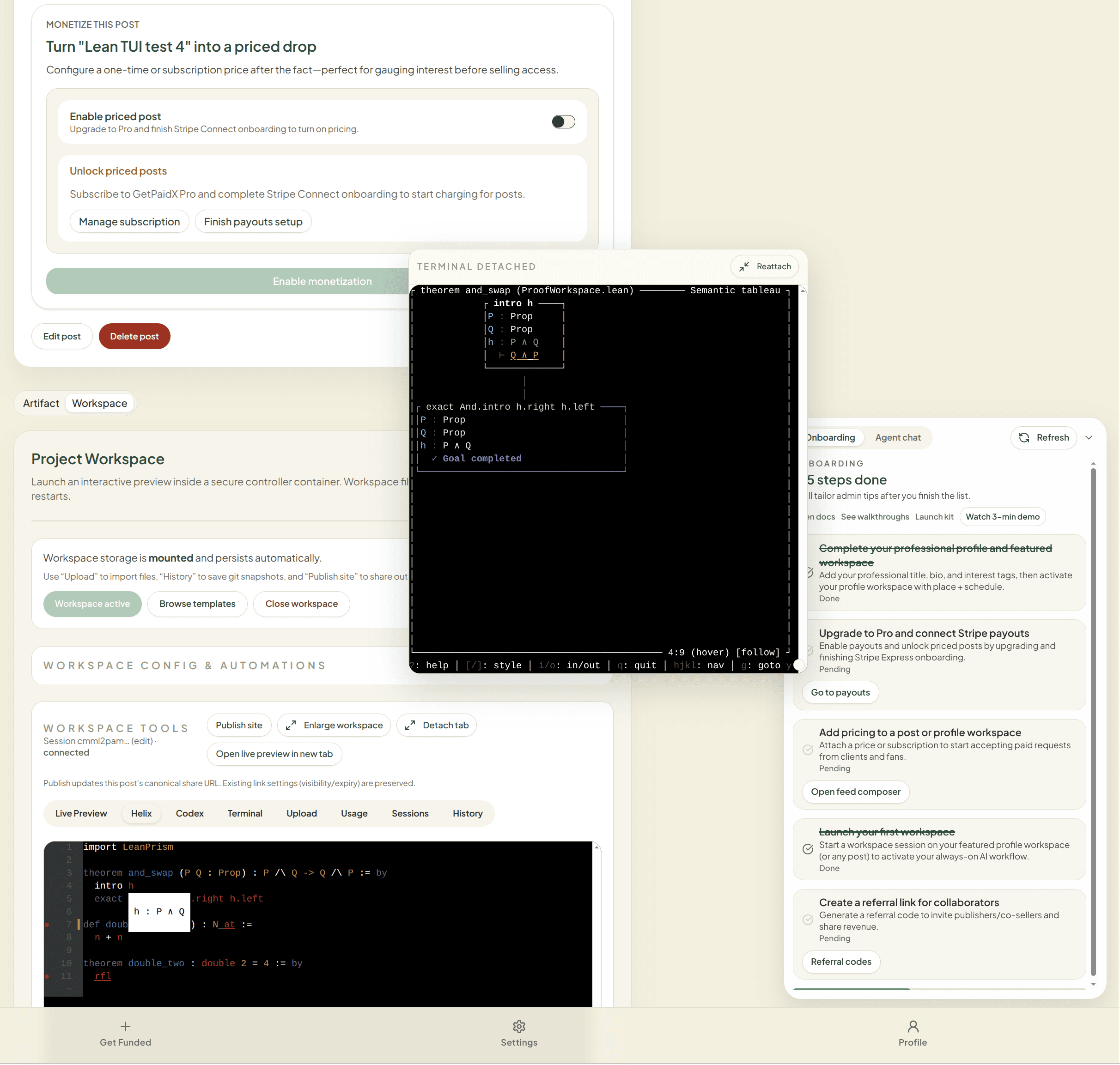
A good browser workspace does not have to flatten everything into a toy interface. The Helix-based Lean view shows the other side of the same idea: keep the environment serious enough for real work while making it accessible enough to share.
For formal methods and research tooling, that balance is useful. You want the terminal, editor, and runtime to feel close to how practitioners already work, but you also want a public link that someone can visit without a long onboarding sequence.
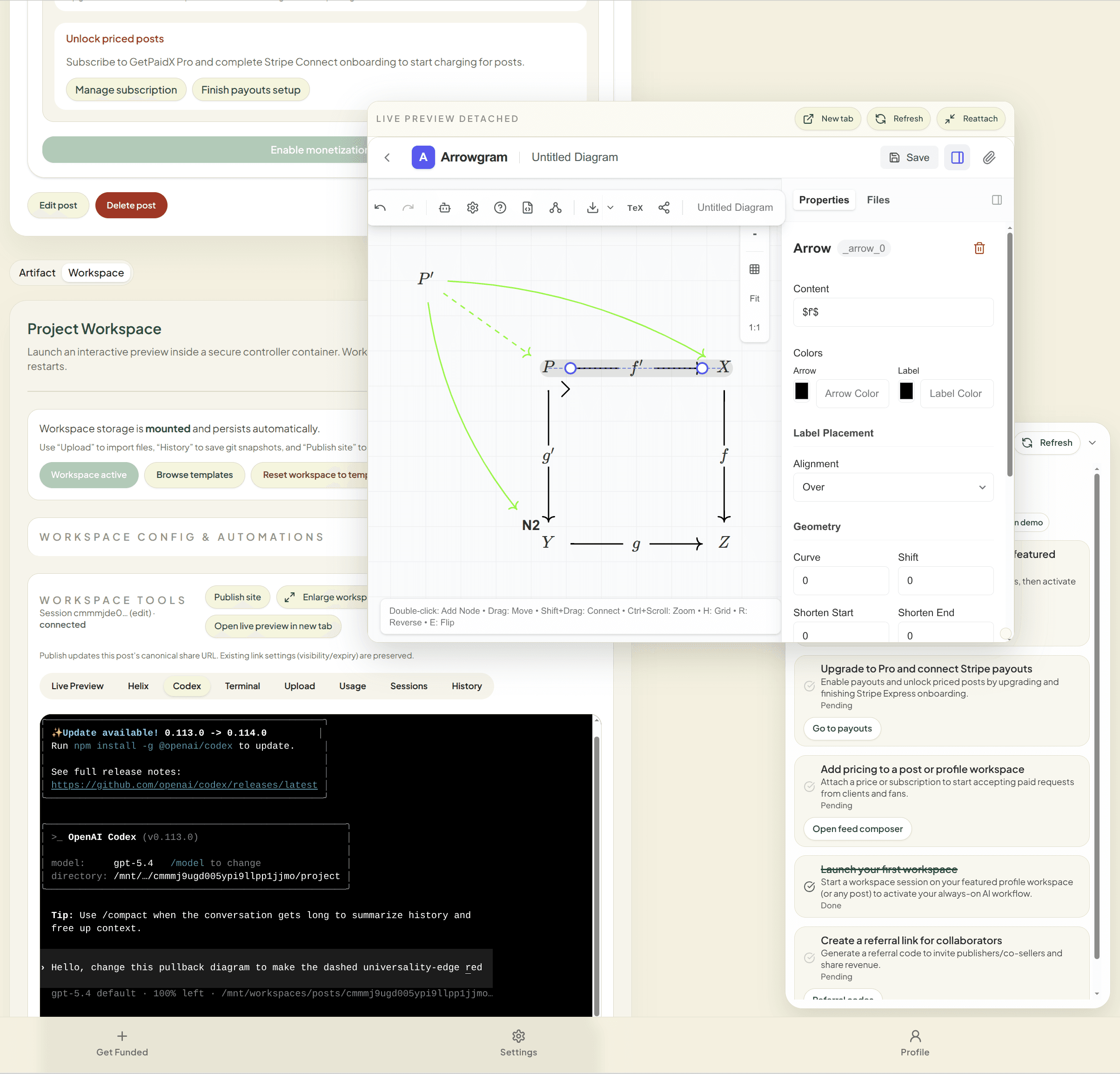
Arrowgram turns diagrammatic intent into an AI-assisted editing loop
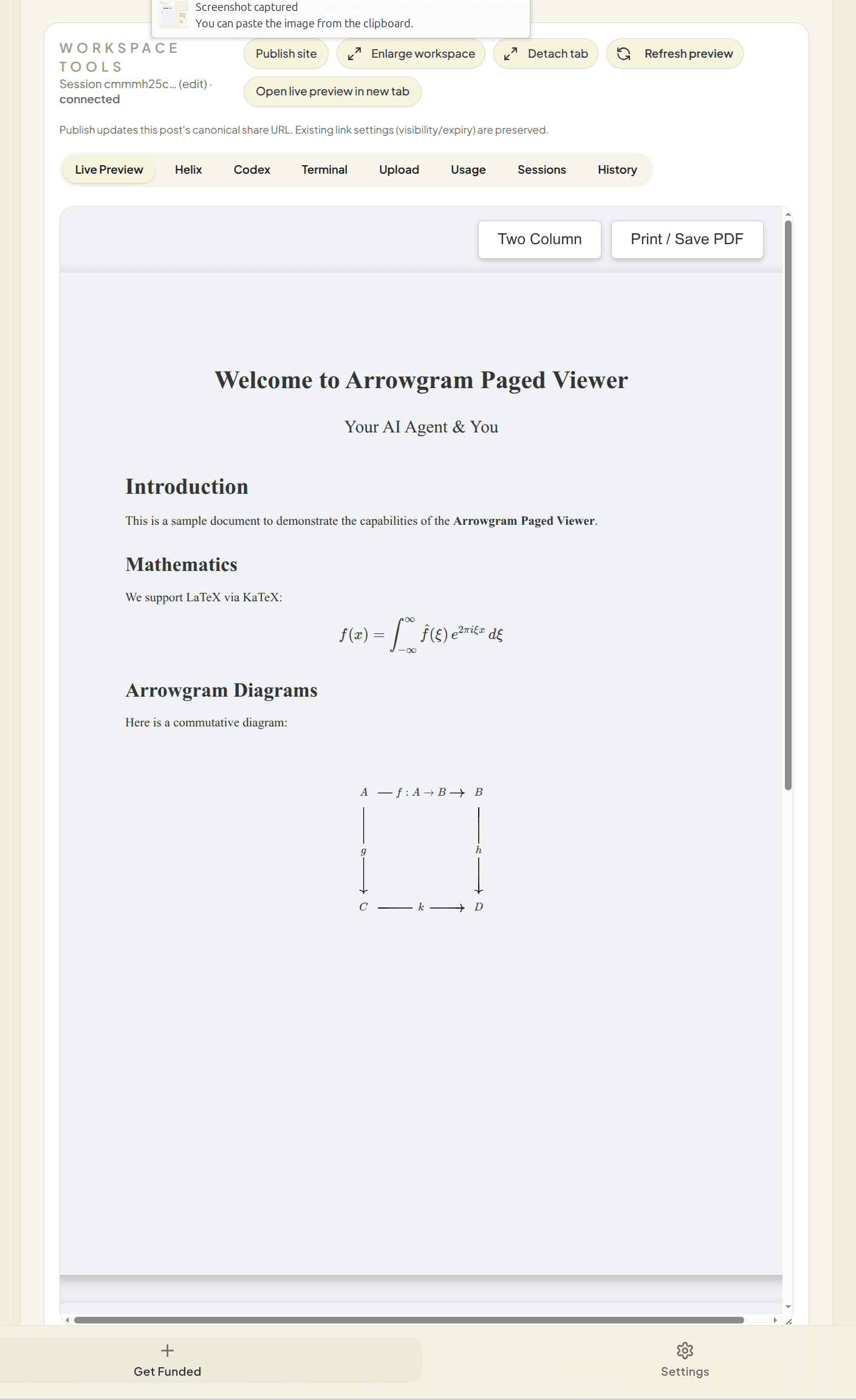
The Arrowgram examples push the idea further. This is not only about editing source code in the browser. It is also about working with diagrams, books, slides, and structured publishing assets in the same environment, then letting the AI loop propose definitions, rules, or next edits from that diagrammatic context.
That makes the workspace useful for people doing more than theorem proving. It becomes a shared editing surface for formal explanation, presentation, and visual reasoning.
- Live workspace example: /r/26072DLGJ01000
- Arrowgram repository: github.com/hotdocx/arrowgram
- Training hub: hotdocx.github.io
LambdaPi templates make import-to-workspace flows easier to publish
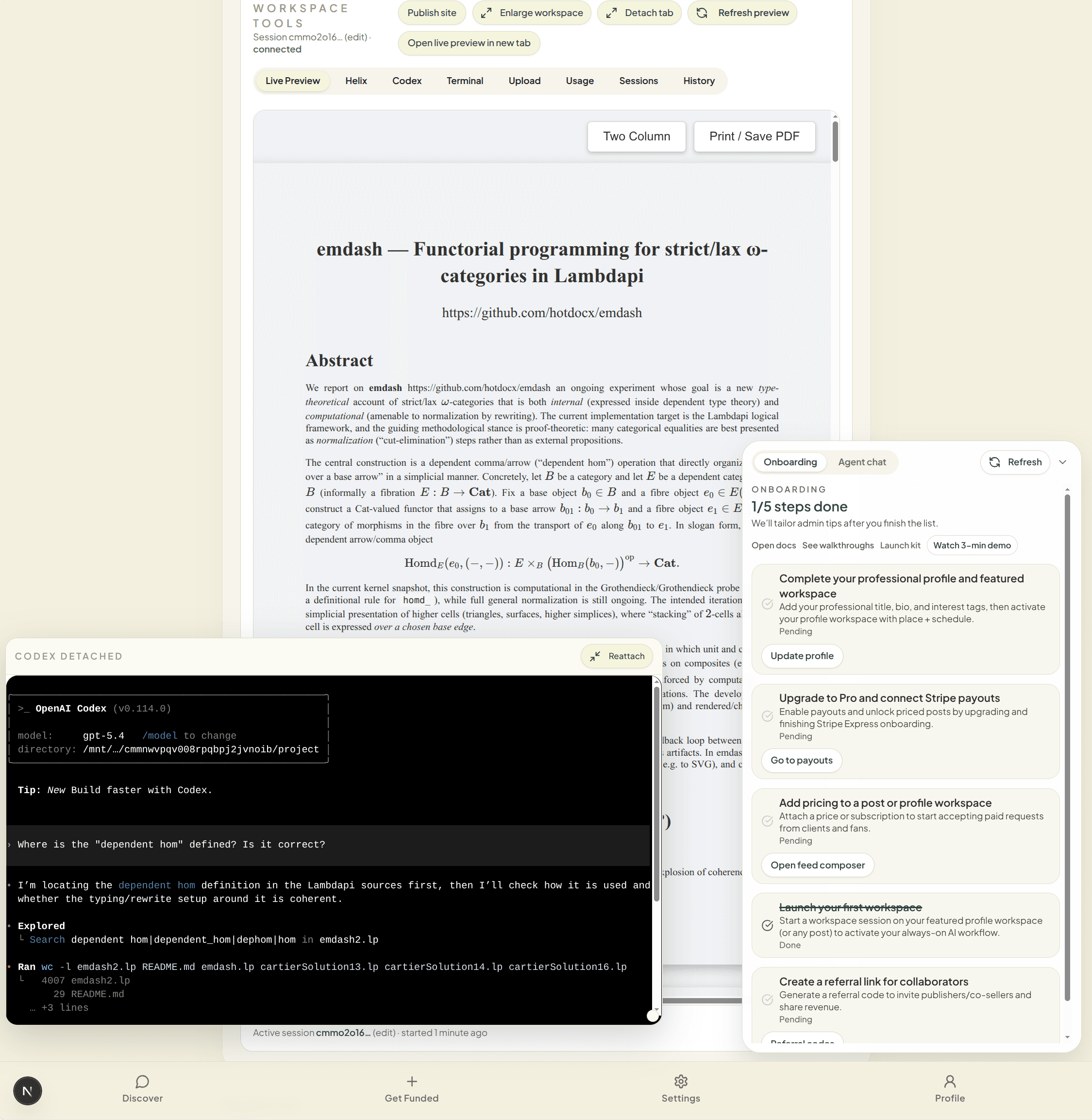
The LambdaPi example shows the template side of the story. A user can clone an existing workspace template, import from GitHub, and get a browser-based environment that is already shaped around the project instead of starting from an empty container.
For research and publishing-adjacent projects, that shortens the distance between “interesting repository” and “shareable, inspectable live workspace.” It is also a better story for search traffic because the article can point readers to an actual runnable environment and an actual onboarding flow.
- Live workspace example: /r/26072DLGJ04000
- GitHub import flow: /onboard/github
- Template repository: github.com/hotdocx/emdash
What this article is really showing
The common thread is simple: browser-based AI workspaces are more persuasive when they are attached to a real publishing surface, a real shareable route, and a real import path. For Lean, LambdaPi, and adjacent formal-math tooling, that is the difference between a nice screenshot and an artifact someone can actually explore.
If you want to try the import path yourself, start at /onboard/github. If you want to inspect the examples first, use the linked
/r/... routes above.